Section: Rockstar Games Launcher
The Rockstar Games Launcher is often considered one of the most problematic launchers in the industry. Its reputation is marked by recurring malfunctions that can frustrate players, especially when they want quick access to their favorite games.
Most Common Problems
Here are some of the most frequent issues related to the Rockstar Games Launcher:
-
Connection errors: Many users report difficulties logging in, often due to server problems or network configurations. These issues can prevent access to games like GTA V or Red Dead Redemption 2.
-
Failed updates: Some updates for the launcher or games get stuck or fail, sometimes forcing players to reinstall the software entirely.
-
Synchronization issues with the Social Club: Managing accounts linked to the Rockstar Games Social Club often causes errors, leading to a clunky user experience.
-
Poor performance: The launcher can consume significant resources, causing slowdowns or crashes, particularly on less powerful systems.
-
Game file corruption: After a poorly executed update or verification process, some files can become corrupted, disrupting the games' functionality.
Solutions Offered by the Software
This software can resolve most of the mentioned issues through three main tools: installation, uninstallation, and reset.
Installation
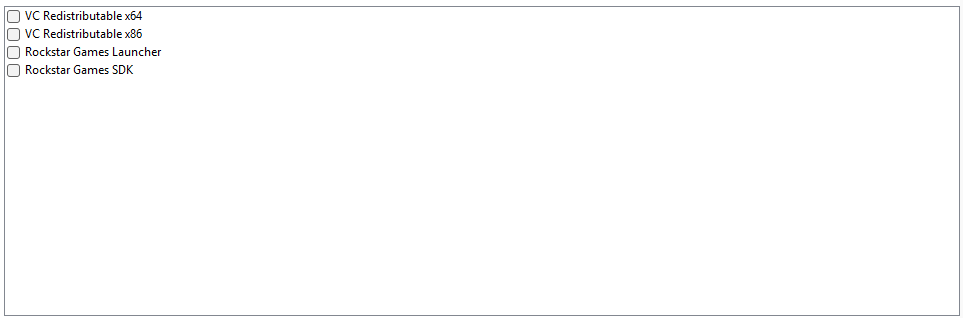
Installation automatically includes the necessary prerequisites, which prevents many problems. These prerequisites include:
- VC Redistributable x64 and x86
- Rockstar Games Launcher
- Rockstar Games SDK
⚠️ Note: The SDK installation option becomes available after the first launch of the Rockstar Games Launcher. If the launcher fails to install it automatically, you can use the designated checkbox in the software to proceed manually.
Uninstallation
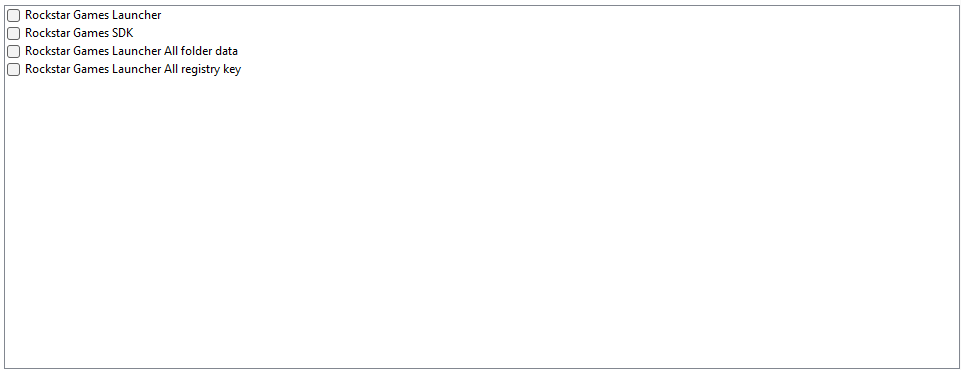
During uninstallation, you can choose to delete specific items or remove all data related to the launcher. However, it is recommended to opt for a complete uninstallation using the Rockstar Games Launcher option to avoid future conflicts or corruption.
Here are the available options during uninstallation:
- Rockstar Games Launcher
- Rockstar Games SDK
- Rockstar Games Launcher All folder data
- Rockstar Games Launcher All registry key
⚠️ Warning: Deleting folders or registry keys individually may corrupt the launcher, making its reinstallation more complicated.
Reset
Resetting the Rockstar Games Launcher and Social Club can resolve various issues, including:
- Connection errors to Rockstar Games servers.
- Data synchronization problems.
- Difficulties launching a game in offline mode.
- Any other previously listed issues.
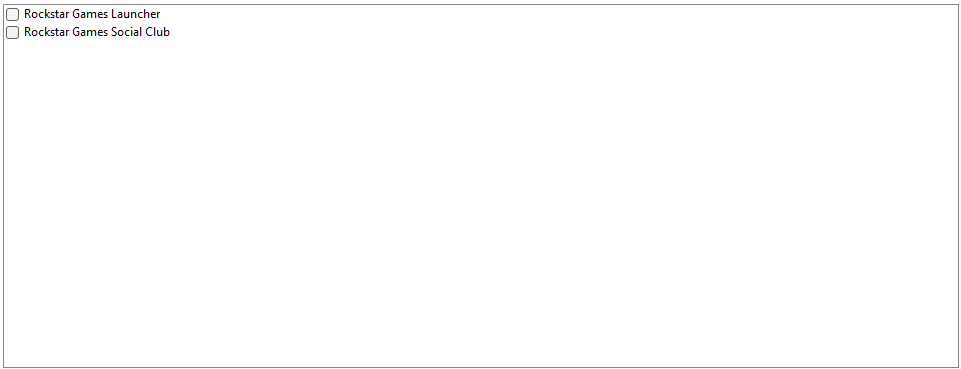
Here are the two options offered in this section:
- Rockstar Games Launcher
- Rockstar Games Social Club
If these solutions do not work, the issue might stem from another element on your computer. In such cases, do not hesitate to consult an expert or a knowledgeable person who can provide further assistance.
Logs
- The logs are organized into different sections, making it easier to identify problematic areas in case of issues. They include information from the Rockstar Games Launcher, the launcher itself, as well as the Social Club, and cover interactions related to authentication between the Social Club and the Rockstar Games Launcher.